
Bibata Modern Classic Cursor
493Free
Enhance your desktop with Bibata Modern Classic Cursor - a stylish custom cursor that combines elegant design with classic comfort for everyday use.
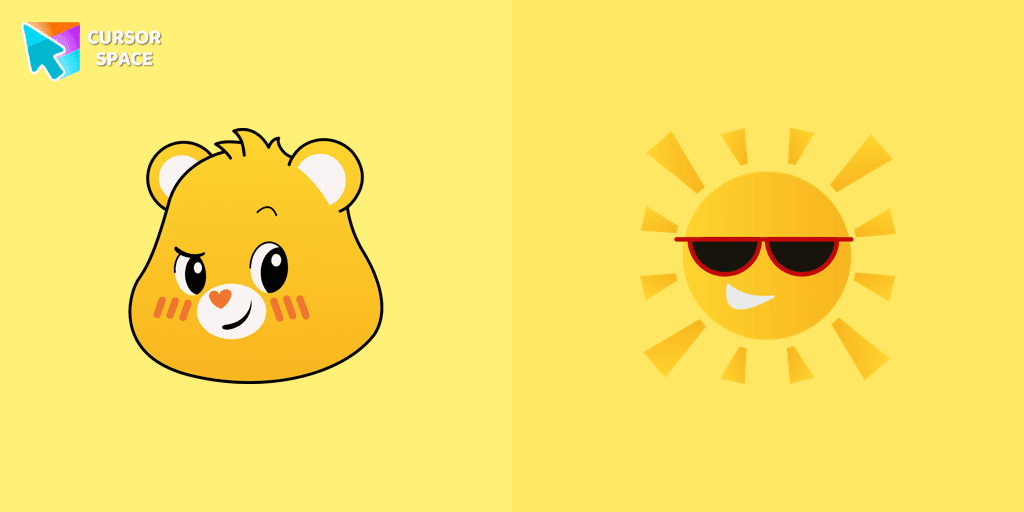
Funshine Bear is one of the most cheerful and energetic members of the Care Bears family. With bright yellow fur and a radiant smiling sun on his belly badge, he brings warmth, happiness, and positivity to everyone around him. Always ready for fun and adventure, Funshine Bear spreads joy and laughter, making him the perfect choice for a custom cursor to brighten up your browsing experience.
If you love cartoon cursors and want to add a touch of nostalgia to your browser, the Funshine Bear cursor is a fantastic option. Inspired by the classic Care Bears series, this colorful cursor will bring childhood memories and fun energy to your screen. The animated cursor features a charming mouse pointer with Funshine Bear’s adorable face and a matching hover effect shaped like his signature smiling sun.
This fantasy cursor is perfect for fans of cute and magical designs. Whether you’re a longtime Care Bears fan or simply love themed cursors that add personality to your browser, Funshine Bear will bring joy to every click. Pair him with other popular characters like Cheer Bear, Grumpy Bear, Love-a-Lot Bear, and Good Luck Bear to create your own Care Bears cursor collection!
Ready to brighten up your day? Add the Funshine Bear cursor to your browser and let the magic style of Care Bears bring happiness to every page you visit!
Install the Cursor Space extension for Chrome or Cursor Space for Edge in your browser.
On this page, click "Add this cursor pack to the extension".
Open the extension and go to the Packs tab.
Find the custom cursor pack "Funshine Bear cursor" and click it.
Enjoy!
Get this cursor pack and thousands of others by installing our extension. It's fast and free!
Funshine Bear Cursor is a themed cursor pack you can add to your browser to personalize your pointer across common cursor states (default and pointer). Use it for everyday browsing, streaming, studying, or gaming-anywhere you want your cursor to match your vibe.
See how the cursors look before installing.
Add the pack to the extension in a few clicks.
Designed for Chrome and Edge via the extension.
Quick answers to common questions about cursor packs, collections, and installation.
Yes. To apply cursor packs in Chrome or Edge, install the Cursor Space extension and add this pack to it.
Cursor packs are designed for Chromium browsers like Chrome and Microsoft Edge.
Open the extension, choose another pack or disable the current one to return to your default cursor.
Custom cursor and packs - neon, anime, pixel art. Quickly add to Chrome and Microsoft Edge for free
Enhance your desktop with Bibata Modern Classic Cursor - a stylish custom cursor that combines elegant design with classic comfort for everyday use.
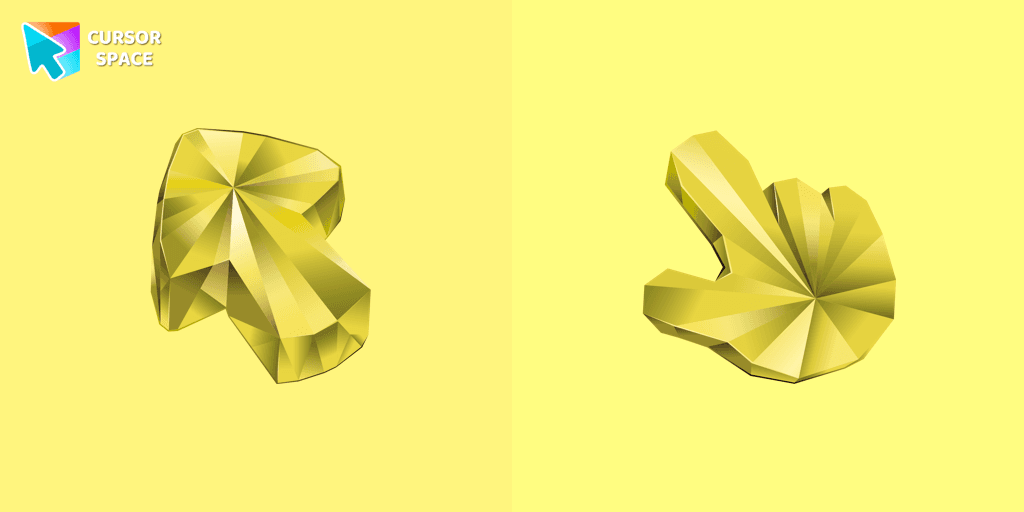
Enhance your browsing with a custom cursor for Google Chrome featuring the timeless elegance of yellow sapphire. Add sophistication and style to your screen today.
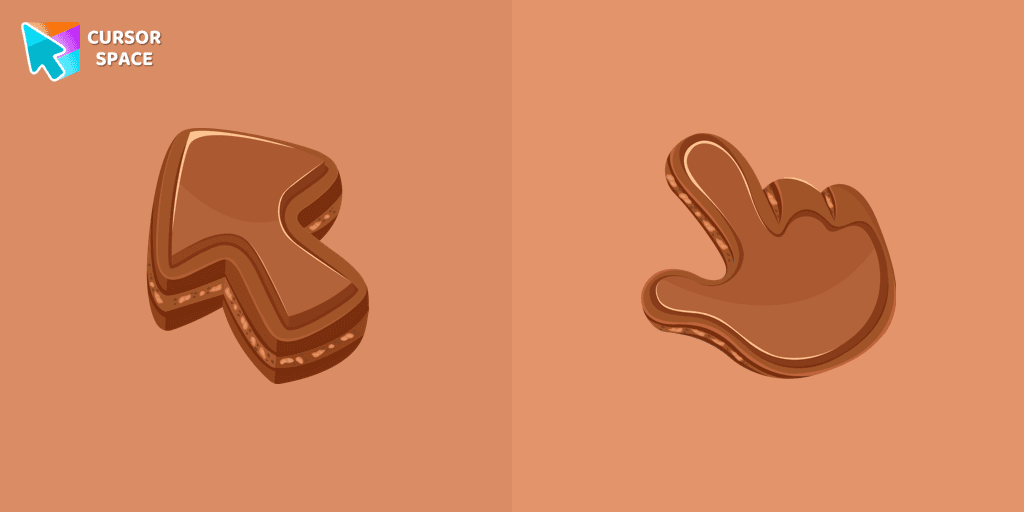
Indulge your senses with our Chocolate Texture custom cursor for Google Chrome, adding sweetness and delight to your everyday browsing experience.
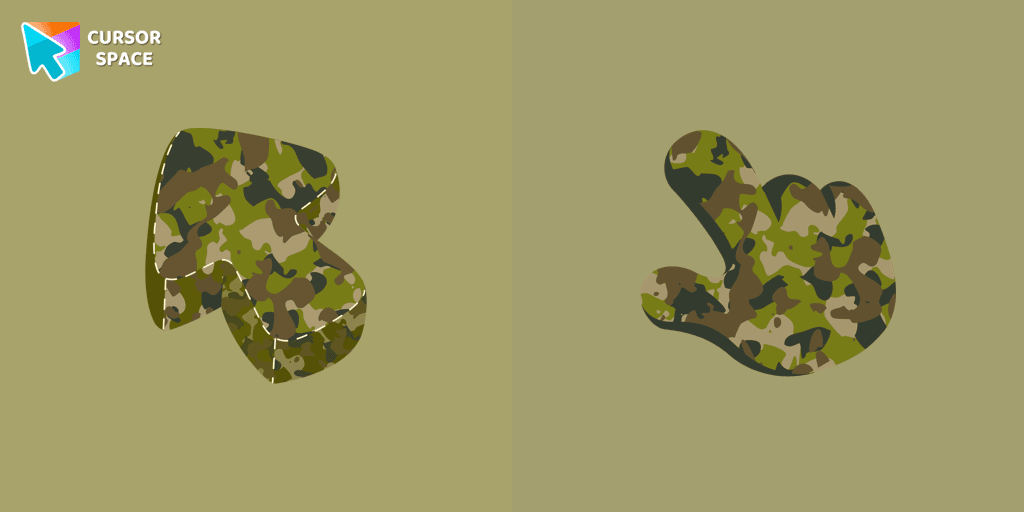
Upgrade your browsing with a formal Military Uniform Texture custom cursor for Google Chrome designed for professional settings and a refined cursor style.
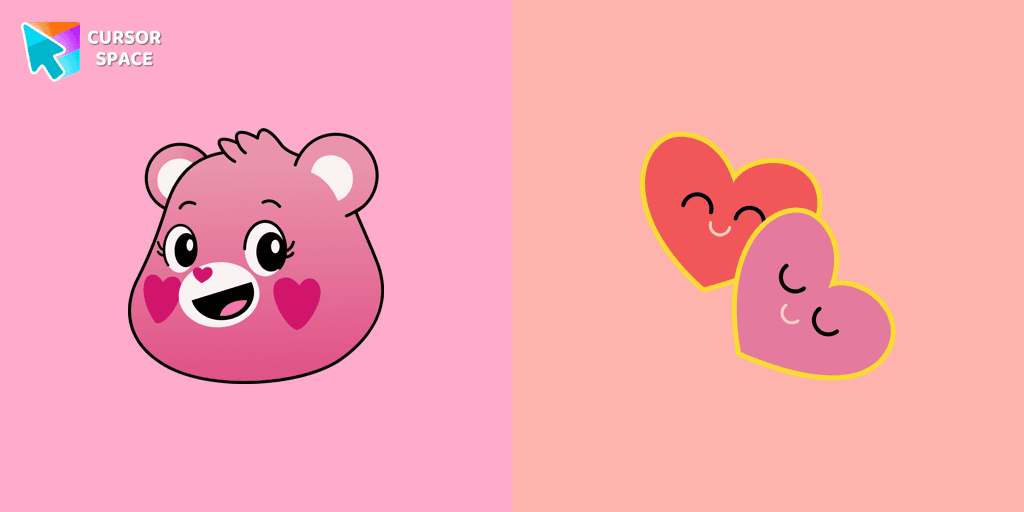
The Love-a-lot Bear custom cursor from our custom cursors collection for Chrome.

Upgrade your browsing with the Vibrant Orange Gradient Cursor. This custom cursor offers a seamless orange gradient, merging style with functionality
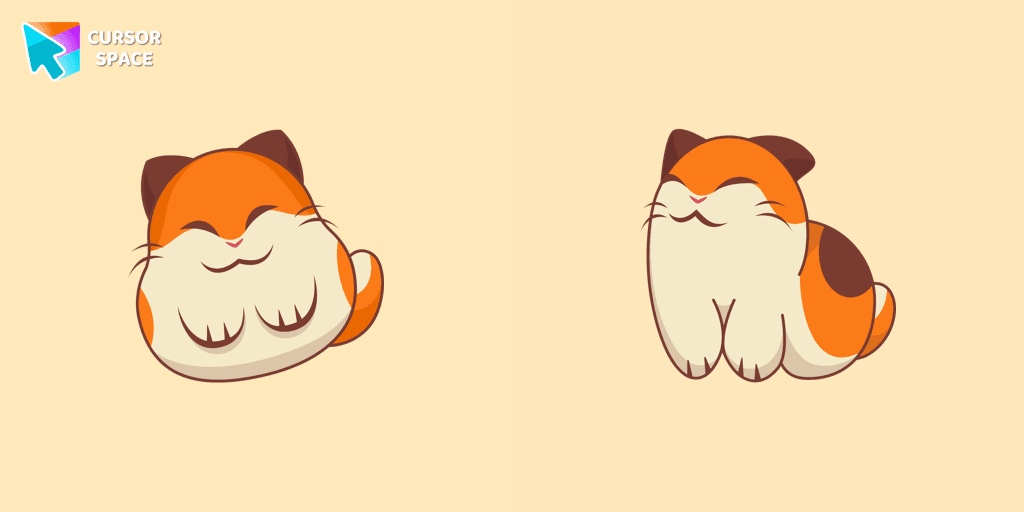
Nago, one of Kirby's animal friends, is a round and plump Japanese Bobtail. Originally designed for the game,
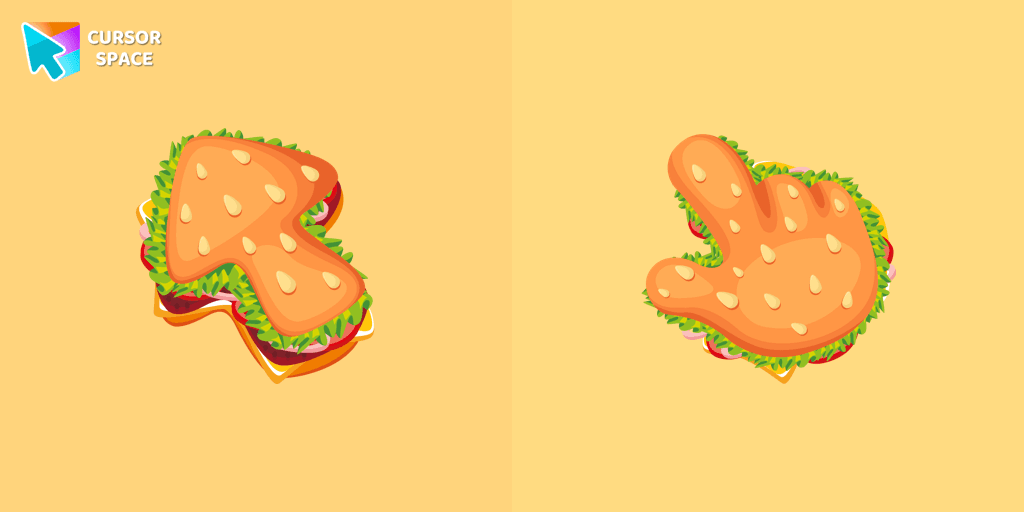
The Burger Texture cursor is a distinctive and entertaining option for Chrome users who enjoy personalizing their browsing experience with custom cursors.
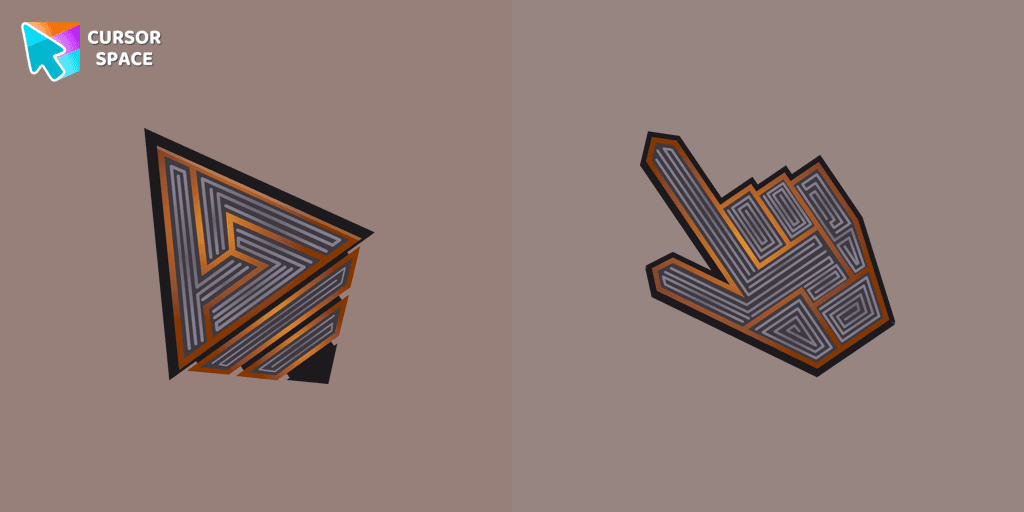
Transform your screen with our unique labyrinth custom cursor, perfect for adding timeless intrigue to your journey.
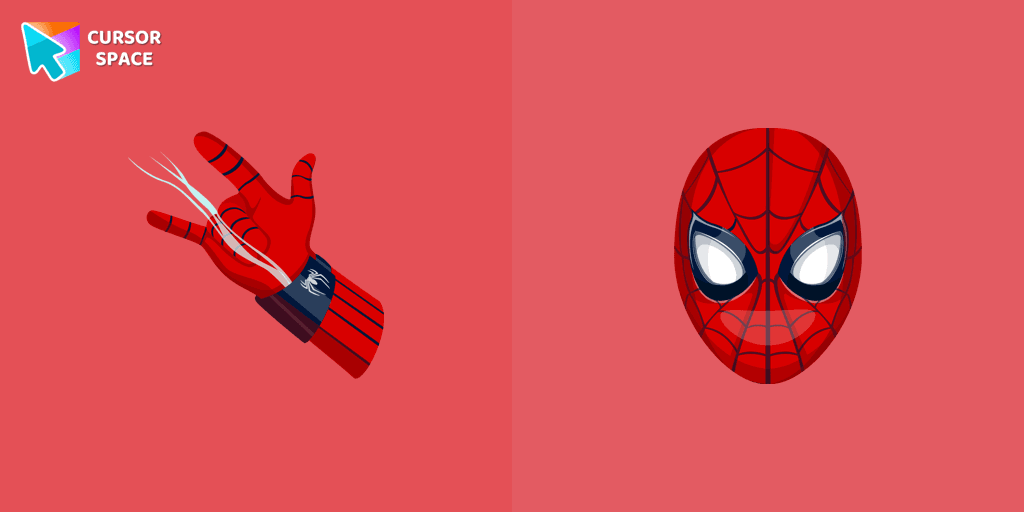
Transform your browsing with the Spiderman custom cursor for Google Chrome. Enjoy the thrilling design and web-slinging animations of this iconic superhero.
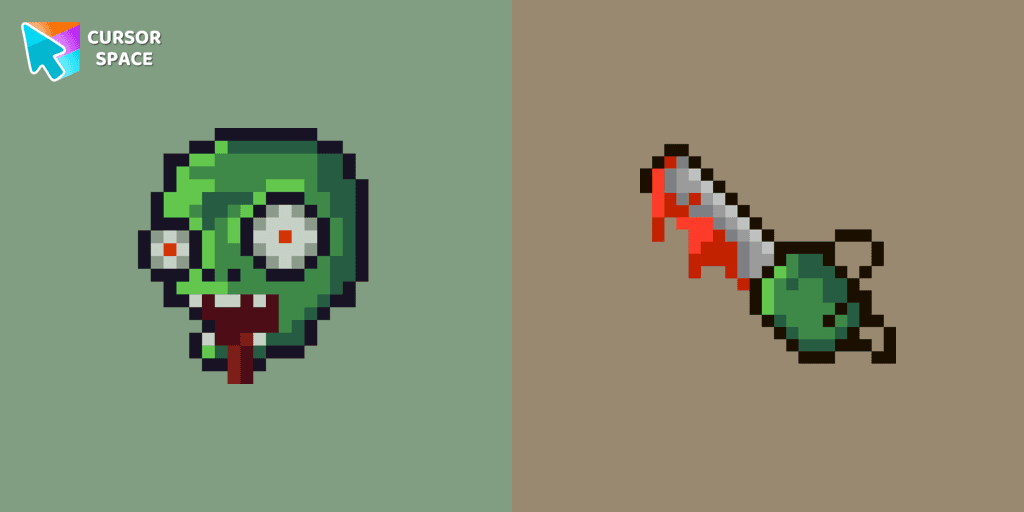
Zombie Pixel custom cursor from our Cute Pixel cursors collection for mouse and pointer.
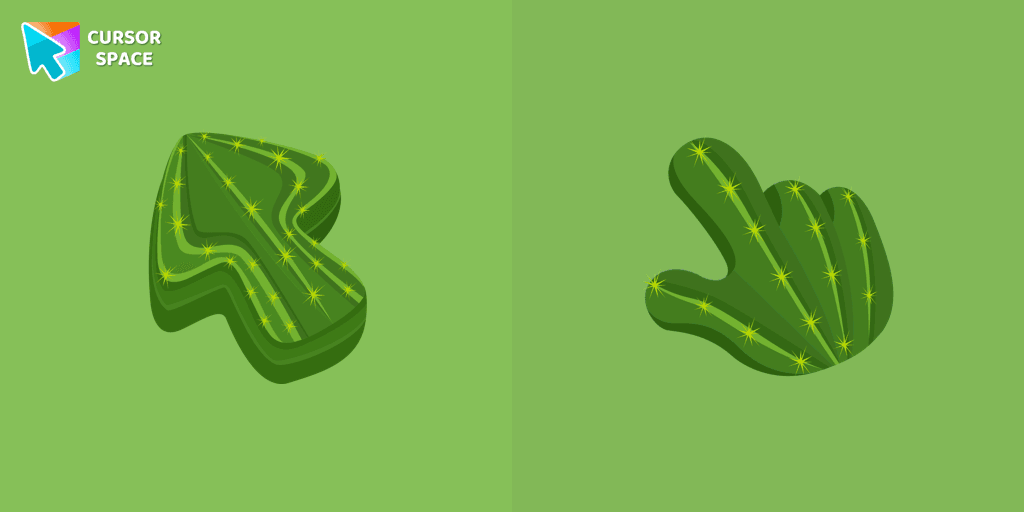
Explore the beauty of desert plants on your screen with our cactus custom cursor for Google Chrome. This custom cursor adds charm and a touch of nature.
Installation leaders from "Care Bears": free packs, neon/anime/pixel art, quick add to Chrome and Edge.

The Love-a-lot Bear custom cursor from our custom cursors collection for Chrome.
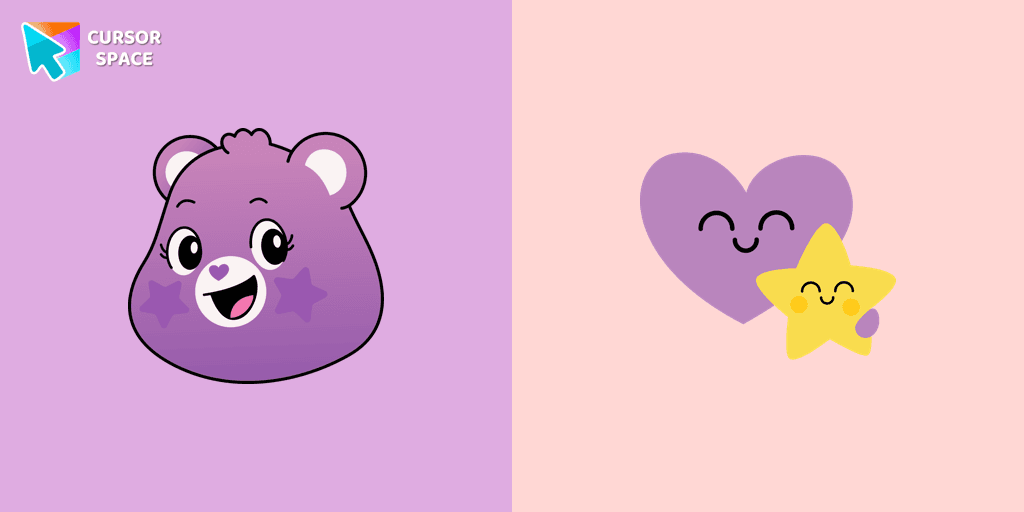
Featuring the iconic Care Bears character, this cursor adds a touch of charm and nostalgia to your screen.
Smart Heart Bear custom cursor for the mouse is a pretty character in a Care Bears cursor collection for Chrome.
The True Heart Bear custom cursor brings charm and nostalgia to your browsing. Enjoy this adorable custom cursor for Google Chrome featuring the iconic Care Bears character.
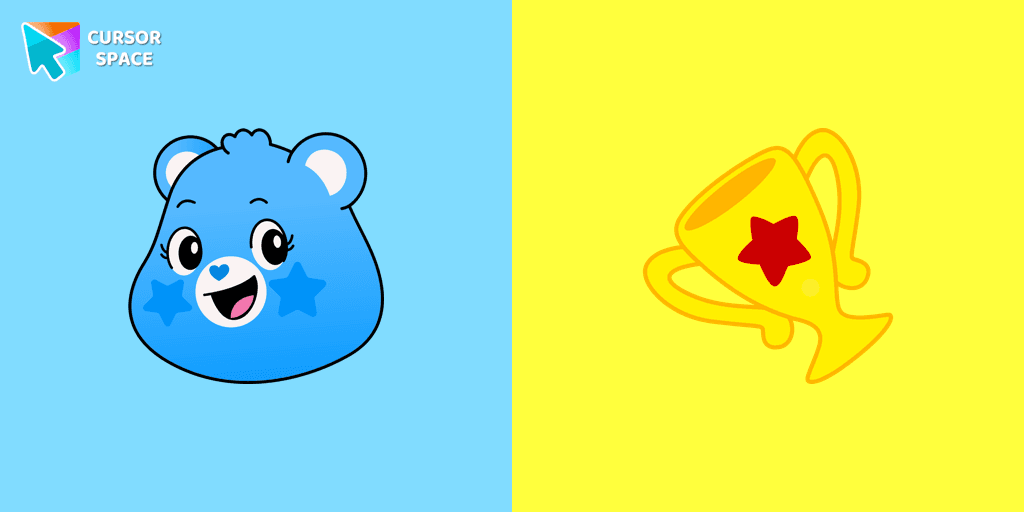
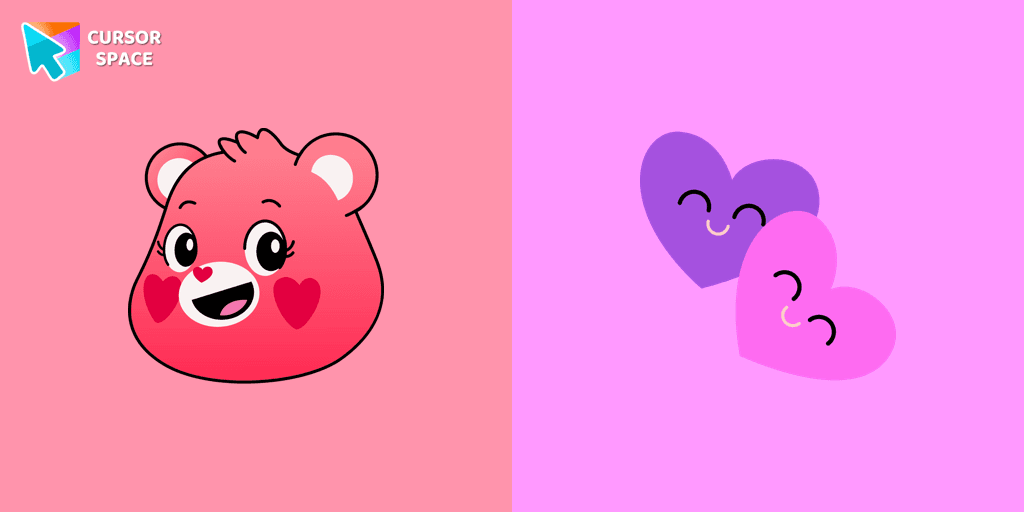
Stay Connected with the Always There Bear Cursor - A Trustworthy Companion

Grumpy Bear cursor for mouse and pointer in a terrific custom cursors collection for Chrome with Care Bears.
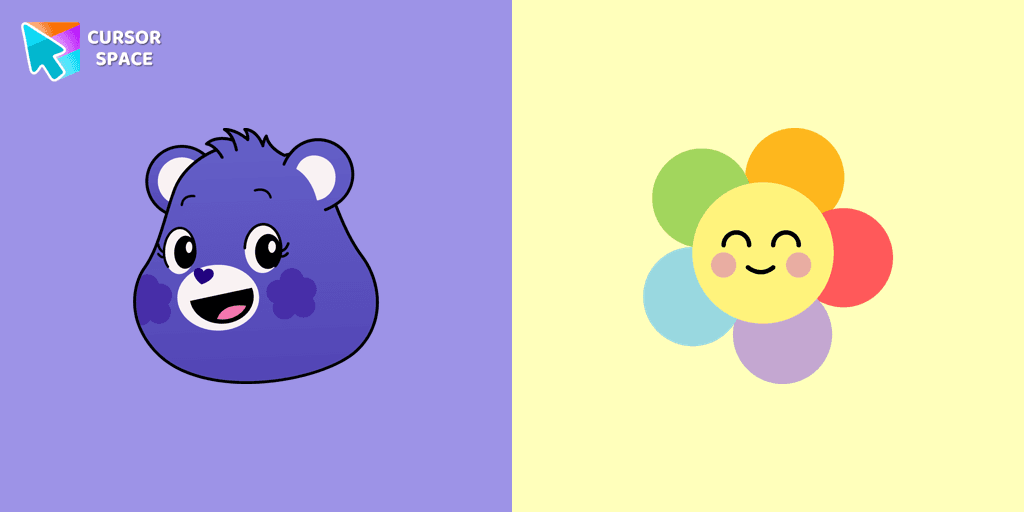
A fun Harmony Bear as a custom cursor for mouse and pointer with which we can spend many hours of fun.
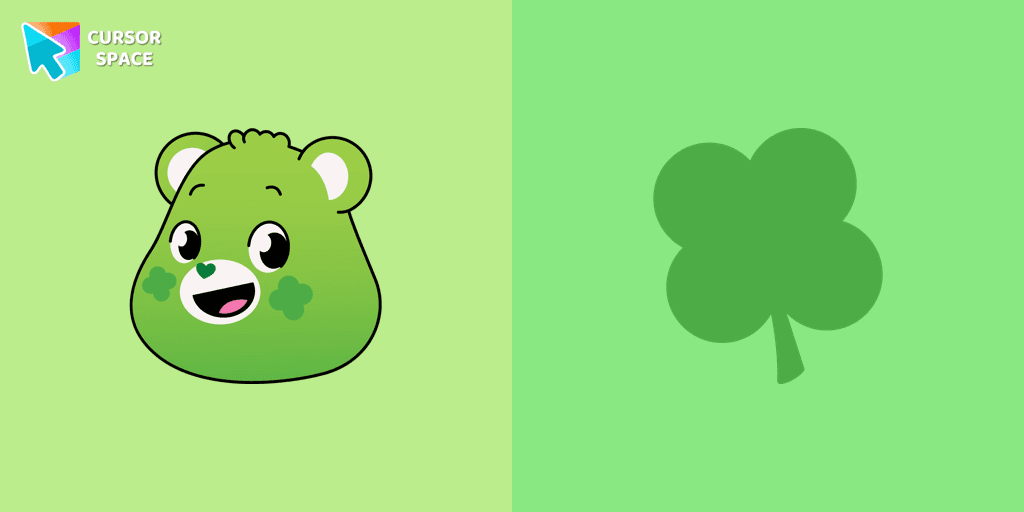
Care Bears for Chrome cursor set has a custom cursor Good Luck Bear as a pointing device.
Add packs instantly and unlock access to thousands of cursors: neon, anime, pixel-art, and more. Fast, safe, and free.
Cursor Space is an extension for changing your mouse cursor in Chrome and Edge browsers: themed collections, HiDPI icons, neon, animated, and pixel cursors, with quick installation.